System designer
Design your system
Choose the brand and sensors you need. The system counts the ports and recommends a suitable controller, then summarizes the equipment list to send for a quotation.
System design process overview
Start designing
1Choose brand
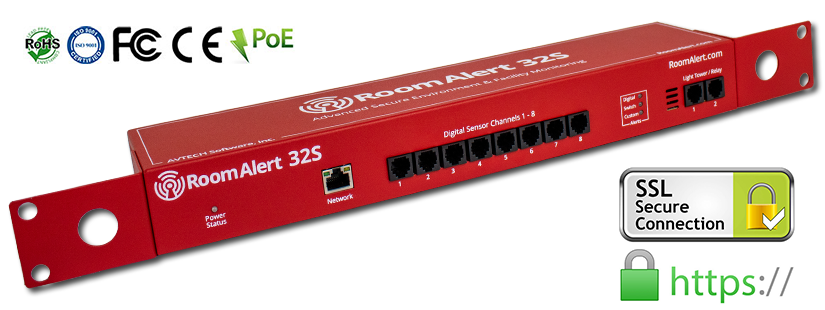
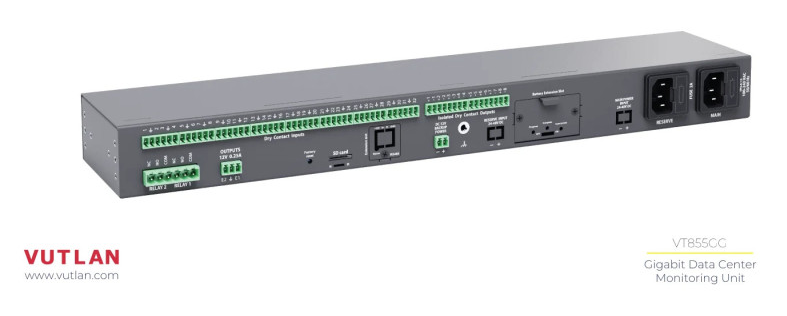
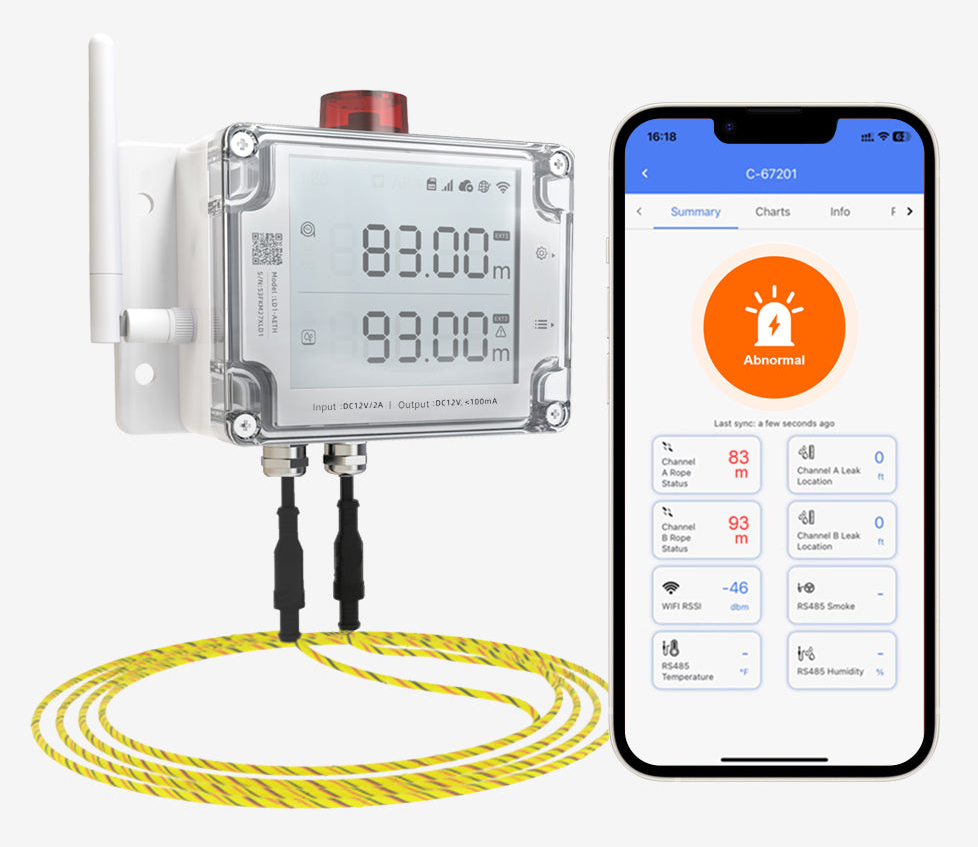
Get that brand's controllers and sensors
2Choose controller
See free ports, or let the system pick the right model
3Alert channels
Email /  LINE OA / Telegram / SMS added to your list
4Pick sensors / Solution preset
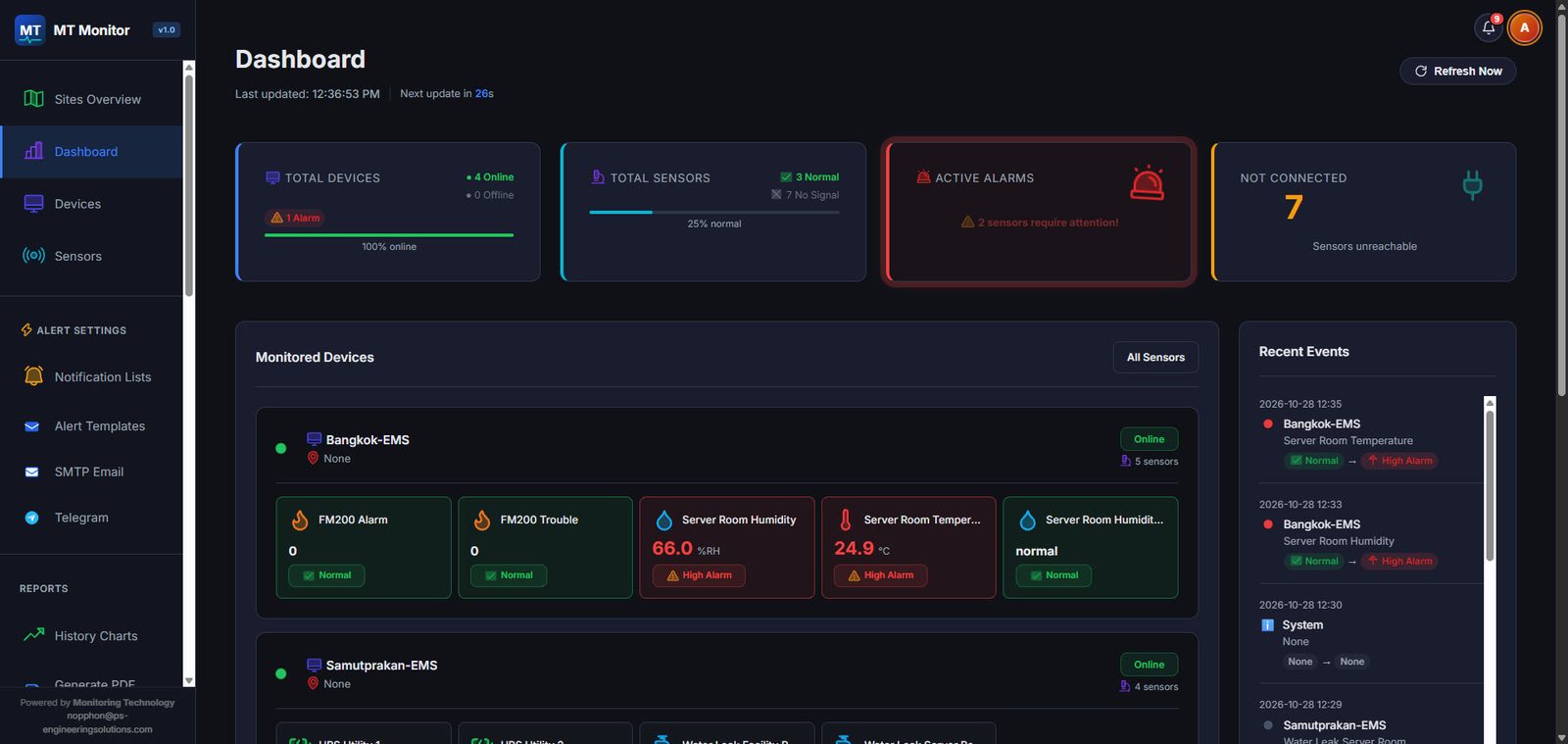
Port usage summary
Recommended controller
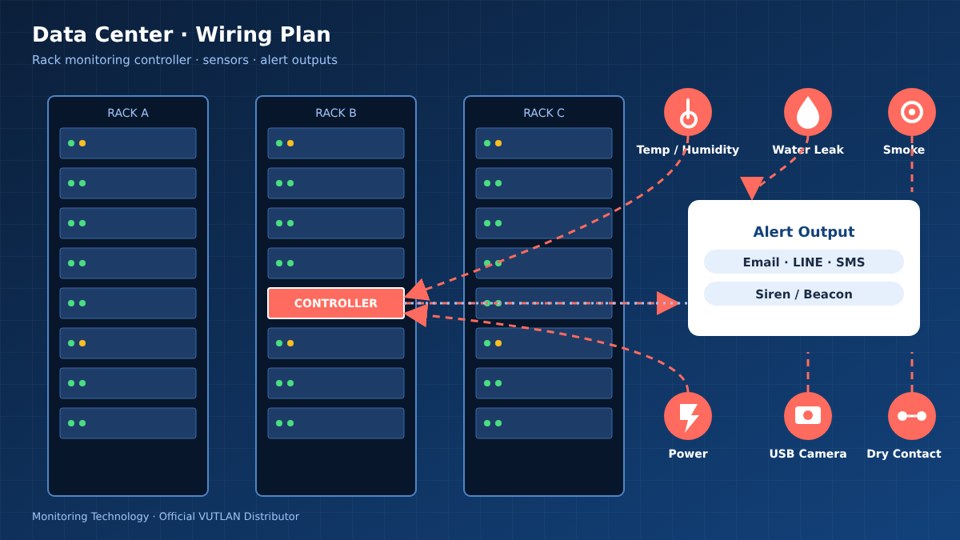
5Wiring plan
Connection diagram (with logo, downloadable/printable)
6Request a quote
Equipment list (BOM) with photos
Our team sends you a quotation
Choose brand
Choose controller Choose a model first to see the free ports, or let the system choose a model from the sensors
Which channels should alerts use?
Presets by Solution Choose the sets of equipment commonly used for each job. Untick items or adjust quantities, then add them to your design in one click.
No sensors selected yet
Drag a sensor here, or press the + button
Drag a sensor from the list and drop it here (on mobile, just press the + button)
Port usage
No data yet
Wiring plan
Specify what each port connects to, e.g. Dry Contact input 1 = UPS alarm panel, Relay output 1 = siren. The system will lay out the connection diagram below.
Connection diagram
Add a device name to at least one port above to generate the Diagram